AI Family Christmas Photo Generator
Getting everyone into matching pajamas, in front of the tree, smiling at the same time is a holiday miracle. Upload one group photo you already have and let the AI dress up the scene instead.
1. Upload one group photo
2. Pick a family scene
Greeting on the card
2 of 2 free generations left · watermarked preview · free tool · ads coming soon · how it works
Your result
Family Christmas photo examples
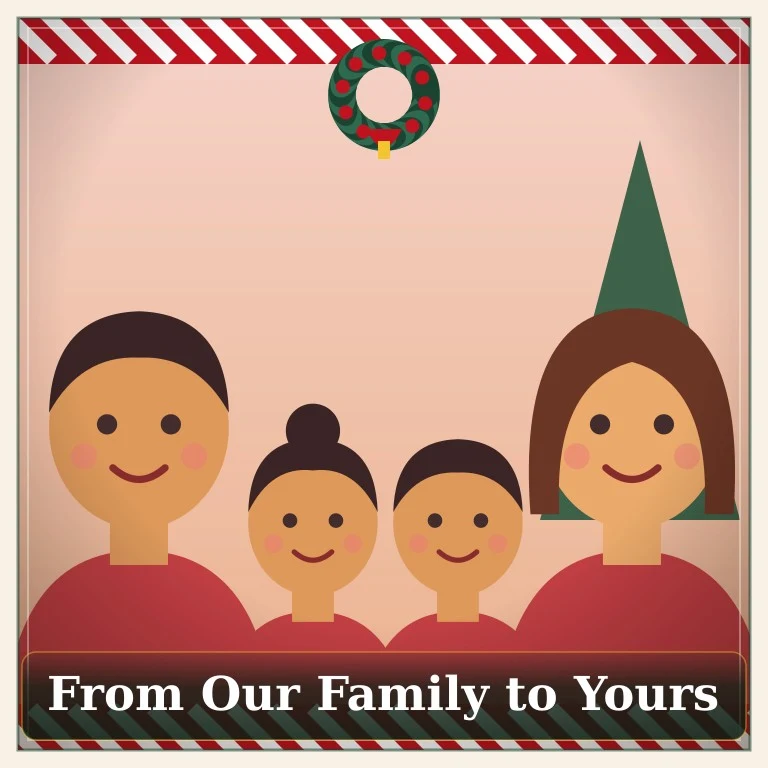
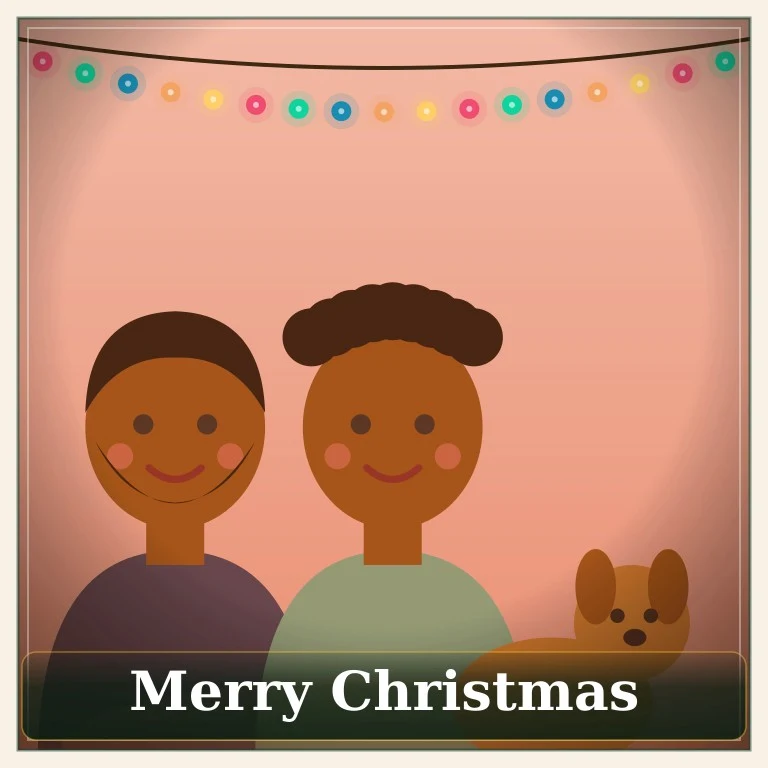
Illustrated sample families — different sizes, ages and a dog — so you can see how each scene treats a group.

Choosing the best group photo
Shoulders and faces in frame, nobody cut off at the edge or hidden behind someone taller.
Daylight or a bright room. Strong backlight from a window turns faces into silhouettes.
A photo taken from a few steps away beats a wide shot of the whole living room.
Matching Christmas pajamas without buying any
The Family Pajamas scene is the classic: red plaid and a decorated tree. It is ideal for the yearly family card or a post to relatives who live far away — and nobody has to hunt down six matching sets in the right sizes.
Other family scenes
Cozy Fireplace adds warm string lights for a relaxed evening feel. Snowy Winter places the group in falling snow. Classic Card gives a traditional red-and-green look. Want just one person, or yourself with Santa? Try the AI Christmas photo generator or the Santa photo page.
Family Christmas photo FAQ
Can I upload separate photos of each family member?
Not yet. For now, upload one group photo where everyone is already together. Combining separate photos into one scene is on our list, but we only add it once the results look natural.
How many people can be in the photo?
Two to five people gives the clearest result. Very large groups make each face small, so details may get lost.
Our dog is part of the family — does that work?
Yes, include pets in the group photo. They stay in the picture and get the same festive treatment.
Do we all need to look at the camera?
It helps. Faces that are sharp, well lit and facing forward come out best. Avoid photos where someone is half hidden behind another person.
Can I add a greeting for our family card?
Yes — choose “From Our Family to Yours”, “Merry Christmas” or “Merry Christmas & Happy New Year” in the generator.
Is it safe to upload photos of my kids?
Photos are processed only to create your picture and, in this version, are not stored. Only upload photos of children you are responsible for. See the Privacy Policy for details.